
From DJI Drones to a Real-Time Decision Center
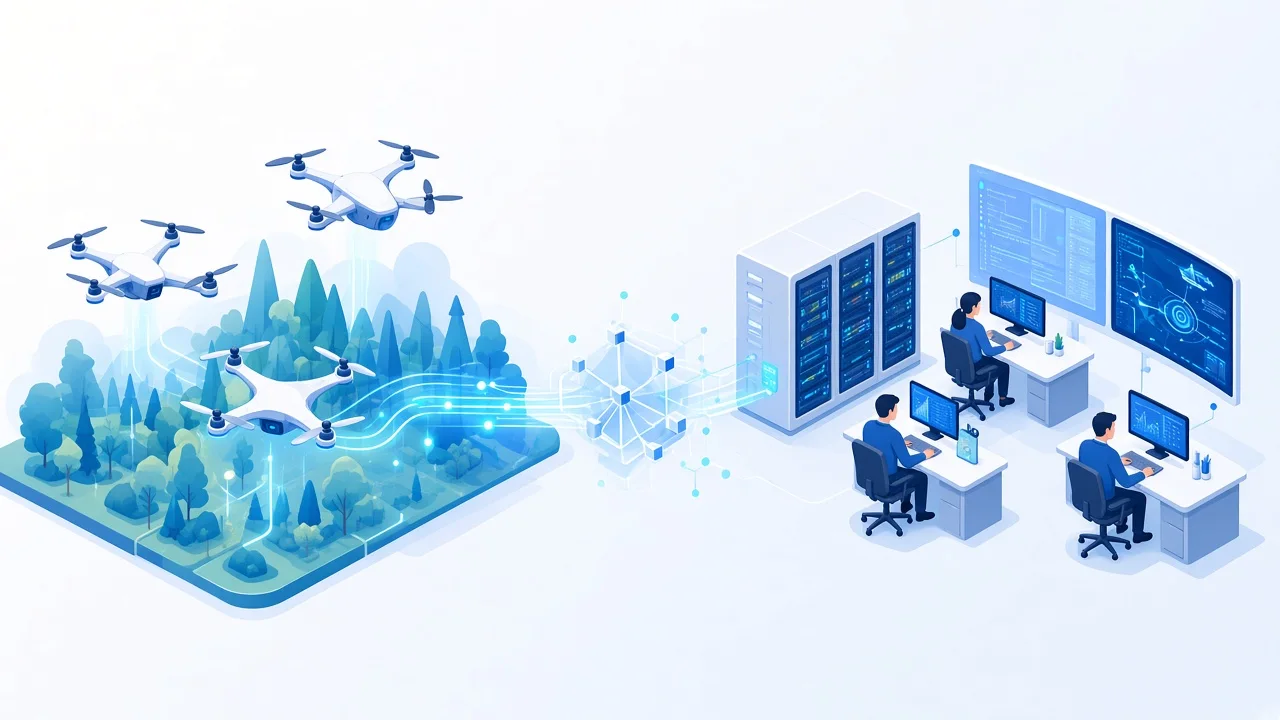
A drone operator already sees the camera feed on the controller. But what if the same live picture is also needed by a fire chief, an engineer, or an inspection team several kilometers away?
This idea came from a firefighter who contacted us with a practical scenario: send an RTMP stream from a DJI drone controller to a central location. The operator continues flying the drone in the field, while the command center receives the video and can use it to coordinate the response.
One drone is useful. Several drones can provide a much broader view of the situation.
One center, several live drone feeds
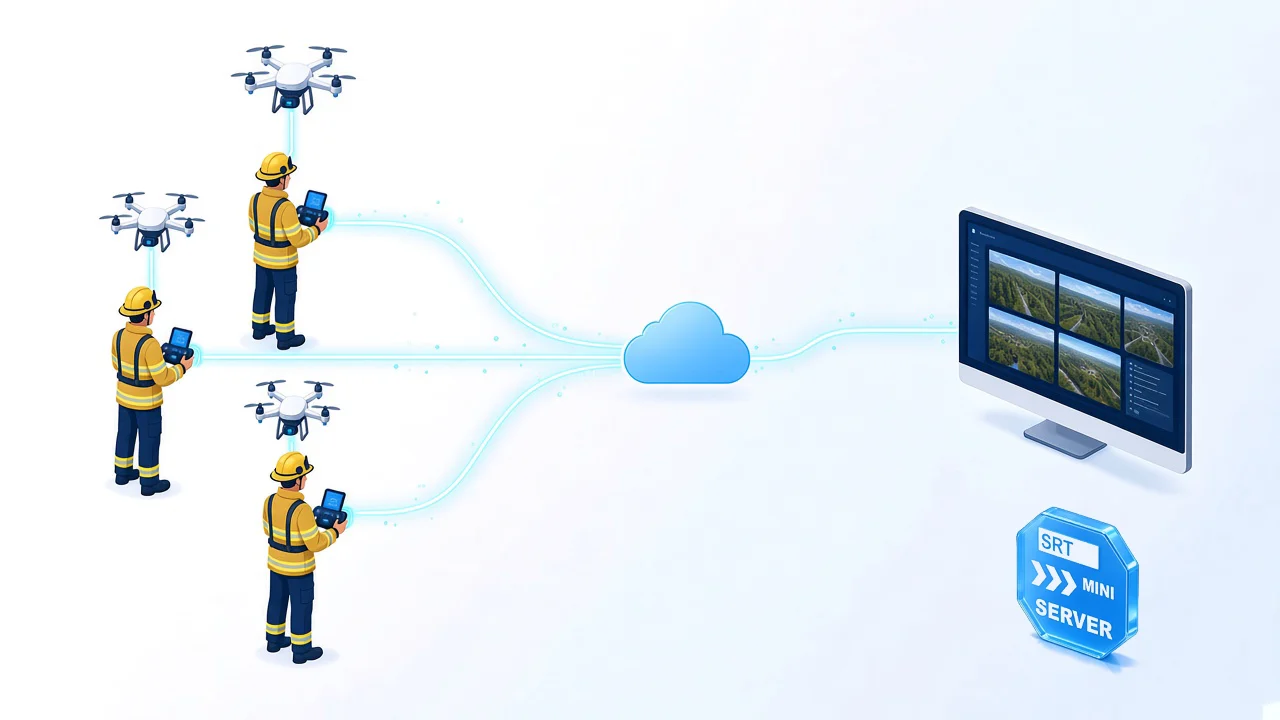
Many DJI controllers can publish live video over RTMP. SRTMiniServer includes a built-in RTMP server, so the field operator can send the stream directly to a Windows PC at the receiving center.
Each incoming drone can use a separate SRTMiniServer line and stream key. At the center, the team can:
- view several drone feeds together in multiview
- open an individual feed for closer examination
- output video to NDI or SDI for other systems
- record a feed for later review
- pass video to external analysis or computer vision tools
SRTMiniServer receives and routes the live video. Any object detection, thermal analysis, mapping, or other automated interpretation is performed by a separate tool connected to the workflow.
A lightweight way to build a decision center
This setup does not require a separate RTMP server for every drone or a collection of protocol converters. SRTMiniServer accepts the incoming RTMP streams and makes them available inside the receiving workflow.
The basic setup can be compact:
- DJI drones and their operators work at different locations.
- Each controller publishes RTMP video through the available internet connection.
- The built-in RTMP server in SRTMiniServer receives the streams.
- The team at the center monitors the feeds and sends selected video to the systems they already use.
Built for field deployment
Deploy quickly. Keep the entire workflow under your control.
Installing SRTMiniServer takes no more than five minutes, so a receiving center can be prepared quickly when the situation changes.
There is no mandatory third-party cloud. You control the complete workflow, including the proxy server when one is required.
The center can keep receiving streams while it moves and uses an internet connection without a dedicated public IP, including Starlink, through Proxy Mode.
For operational monitoring, a total delay of up to a few seconds may be sufficient. The actual latency depends on the DJI device, encoding settings, mobile network, internet route, receiver buffering, and downstream display or analysis system. It should always be tested under the conditions of the planned operation.
Example: monitoring a forest fire
A forest fire can cover a large area that cannot be observed from a single position. Smoke, terrain, and distance can also make it difficult for one drone team to understand what is happening across the entire perimeter.
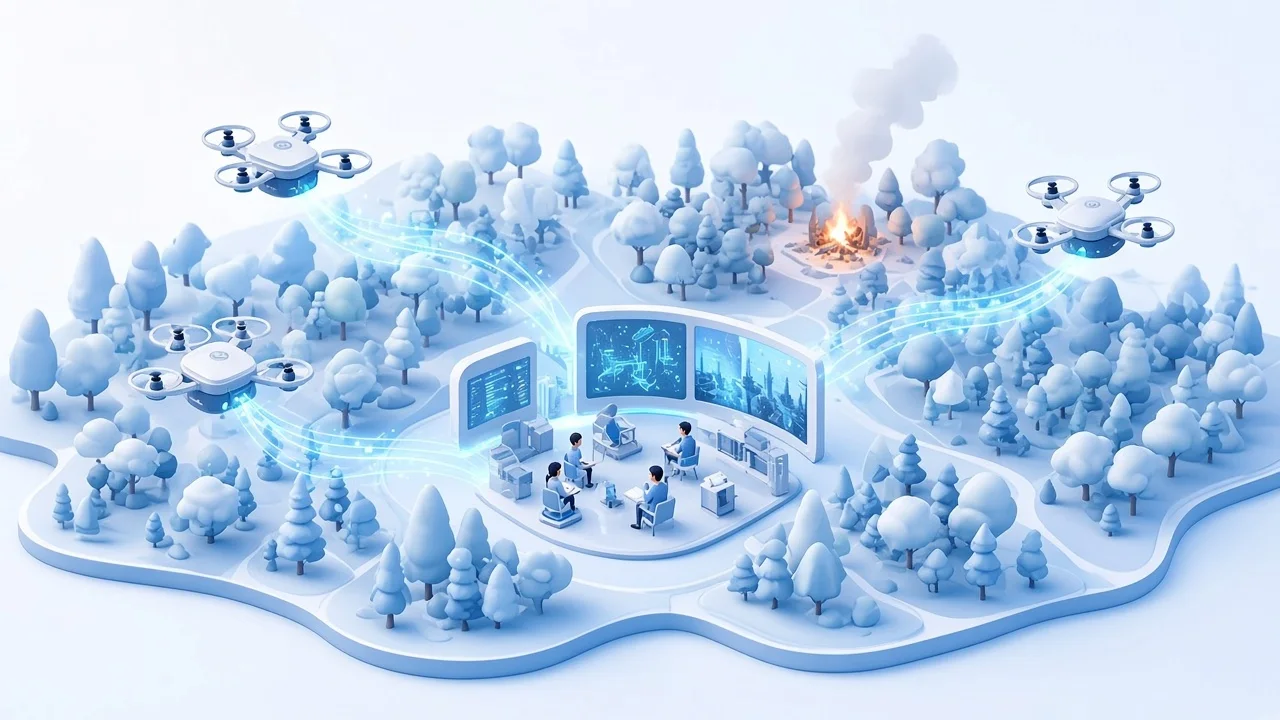
Several drone operators can work from different locations. One drone can monitor the active fire front, another can watch an area behind it, and others can check access roads, nearby settlements, or critical infrastructure.
The operators still control their own aircraft and see their local video. At the same time, the command center receives all available feeds on one screen. The team gets views from different parts of the affected area, can compare how the situation is changing, and can coordinate people and equipment using a shared visual picture.
A thermal camera can add another layer of information if the drone supports it. SRTMiniServer does not interpret thermal data, but it can carry the video into the same monitoring workflow.
The same workflow beyond emergency response
Construction sites
Several operators can cover different areas of a large construction site. A project team can monitor progress, check hard-to-reach sections, and coordinate work without bringing every specialist to the same location.
Infrastructure inspection
Drones can inspect bridges, roofs, towers, power lines, pipelines, or industrial structures. A remote engineer can watch the feed while the pilot is still in the air and ask for a closer view immediately, instead of waiting for recorded footage to be uploaded and reviewed later.
Search and rescue
Teams can divide a search area between several drones while coordinators view all feeds at the center. Video can also be passed to external tools that assist with object or person detection.
Incident assessment
After a storm, flood, industrial accident, or other incident, drone teams can transmit live views from different locations. Decision-makers receive a current picture without waiting for memory cards, file transfers, or field teams to return.
Connecting a DJI stream
The RTMP Stream Key is the Stream ID of the corresponding SRTMiniServer line. The standard connection format is:
rtmp://IP:1935/live/STREAM_ID
Port 1935 is used by default and can be changed in Advanced Settings. Each drone should publish with the Stream ID assigned to its own line.
See the RTMP Server setup guide for configuration details.
Start with the workflow you actually need
A real-time decision center does not have to begin as a large infrastructure project. It can start with one Windows PC, SRTMiniServer, one or two drone feeds, and the displays or analysis tools already used by the team.
The important step is to test the complete path in advance: drone, controller, mobile connection, RTMP delivery, receiving PC, and final display. Once that path is proven, additional drone feeds can be added as the operation grows.
Download SRTMiniServer and test the workflow with a 21-day trial.
GaraninApps Team, srtminiserver.com